How I Produce My Trance Podcast in Ableton Live 12
Every episode of Uplifting Trance Sessions starts in my promo inbox. Follow the tracks into my Ableton Live 12 template and see how I mix the decks and check the final master.
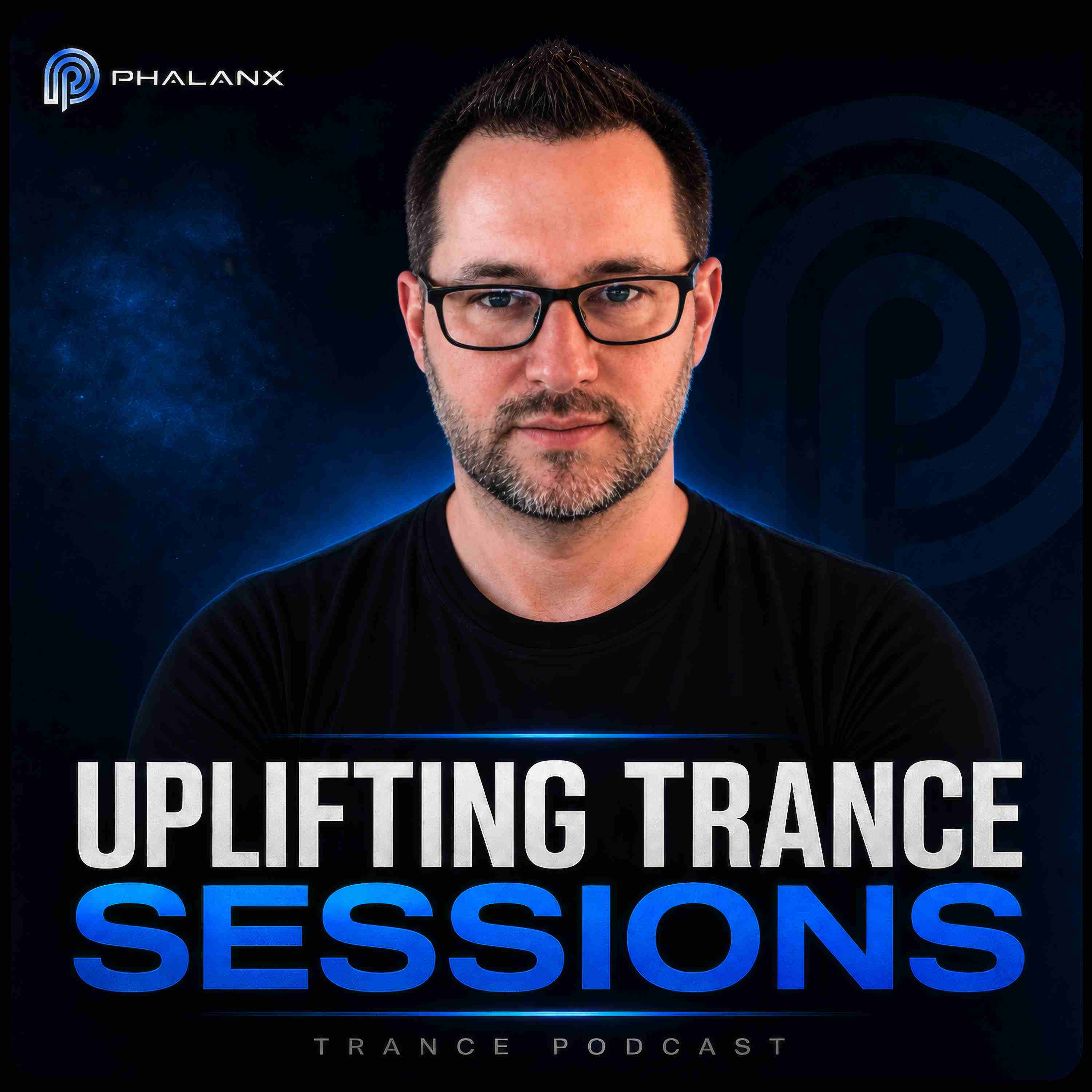
Watch Uplifting Trance Sessions in Ableton Live
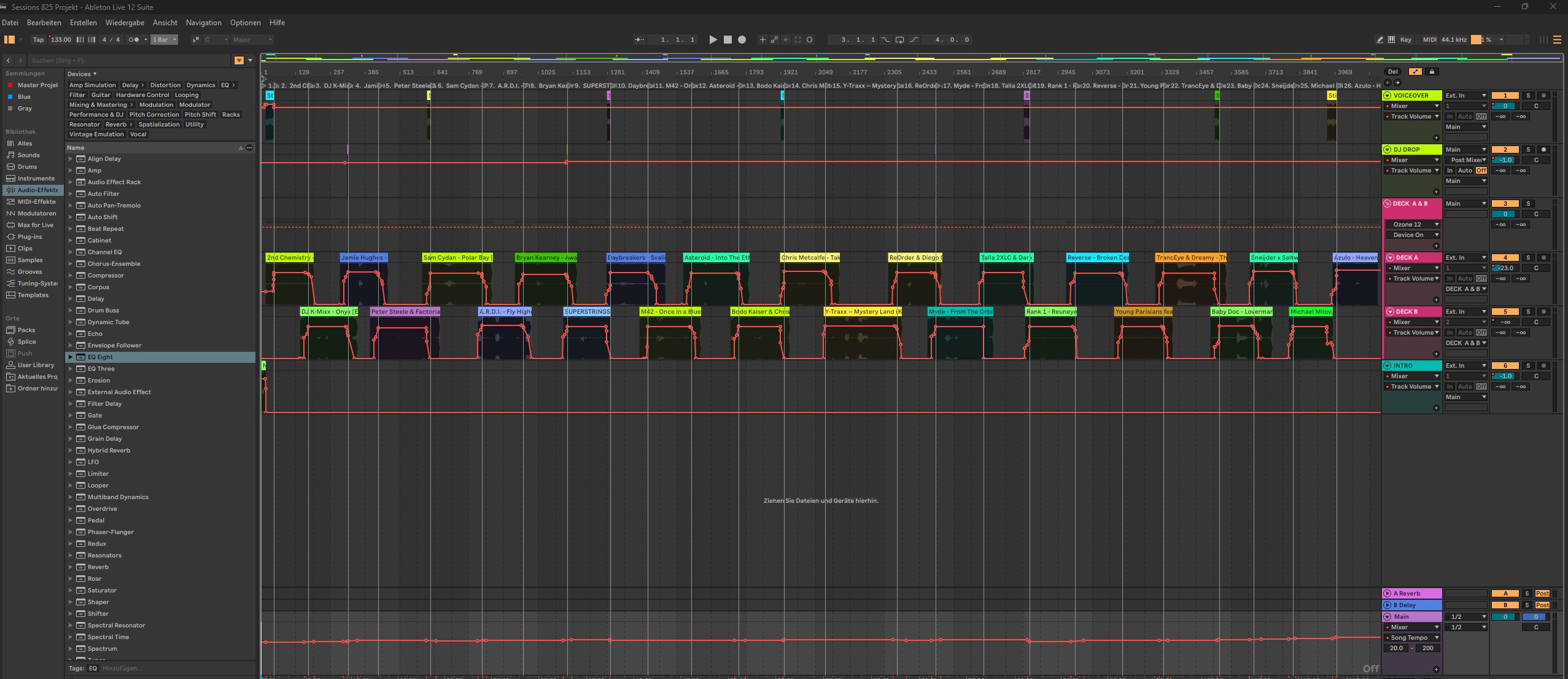
This is my Ableton Live 12 Arrangement View as the episode plays. Follow the playhead across Deck A and Deck B to see where one track gives way to the next.
In the seven steps below, I’ll take you back to my promo inbox and show you how I choose the music, set up my tracks for the intro and voiceover, mix between the decks and check the loudness of the finished episode.
Listen to the week’s promos
Every week, new promos land in my inbox. Before I open Ableton Live 12, I listen through the tracks and choose the ones I want to share with you in the next episode of Uplifting Trance Sessions.

Start with an empty Live Set
With my tracks selected, I open Ableton Live 12. The Arrangement is still empty. There are no promos on the timeline, no voiceover and no transitions yet.
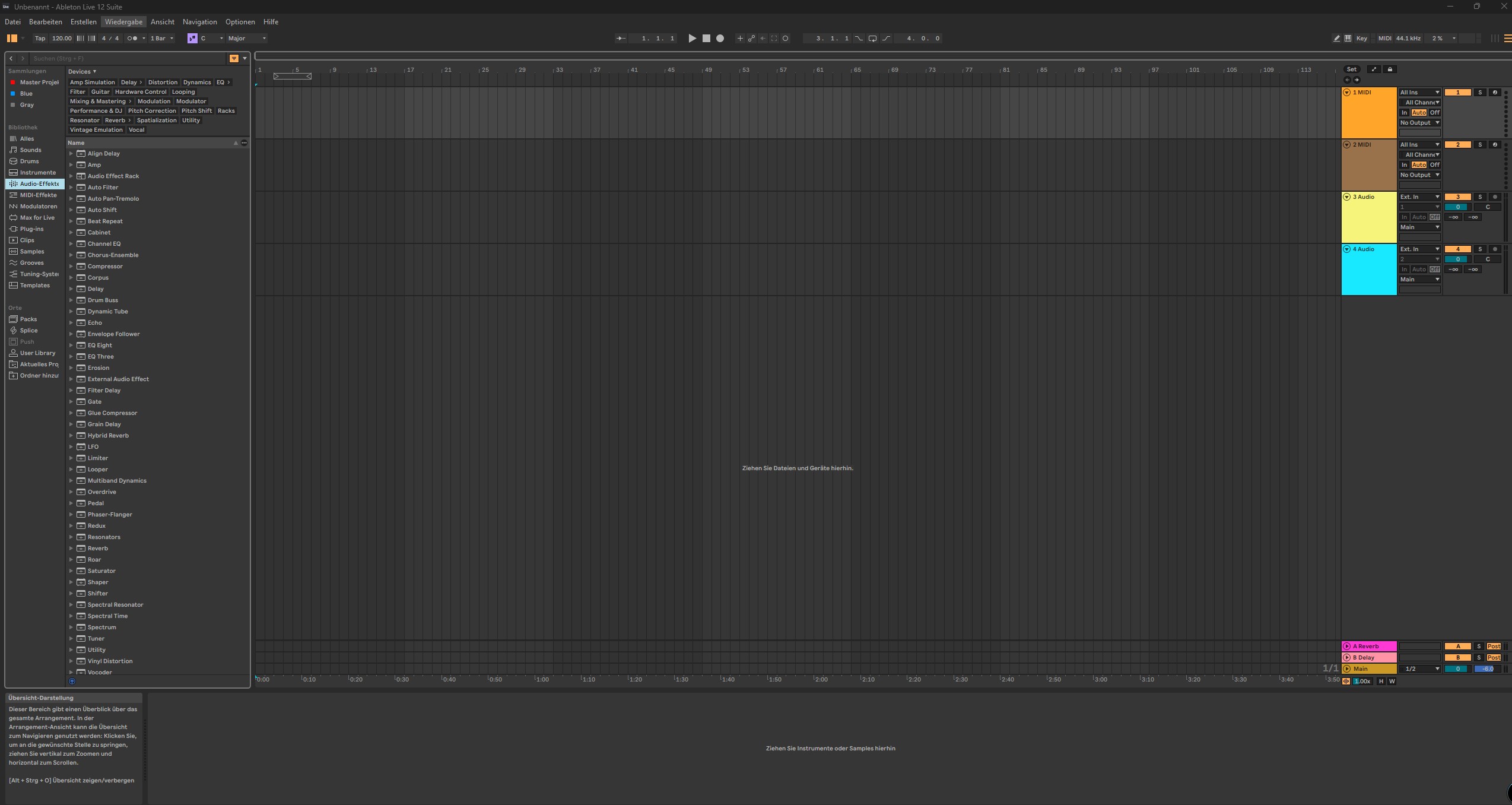
Open my Ableton Live podcast template
I keep a Live Set specifically for the podcast. For each episode, I open that template and save a new copy. The tracks and routing are already in place, so I can start arranging the tracks I’ve chosen.
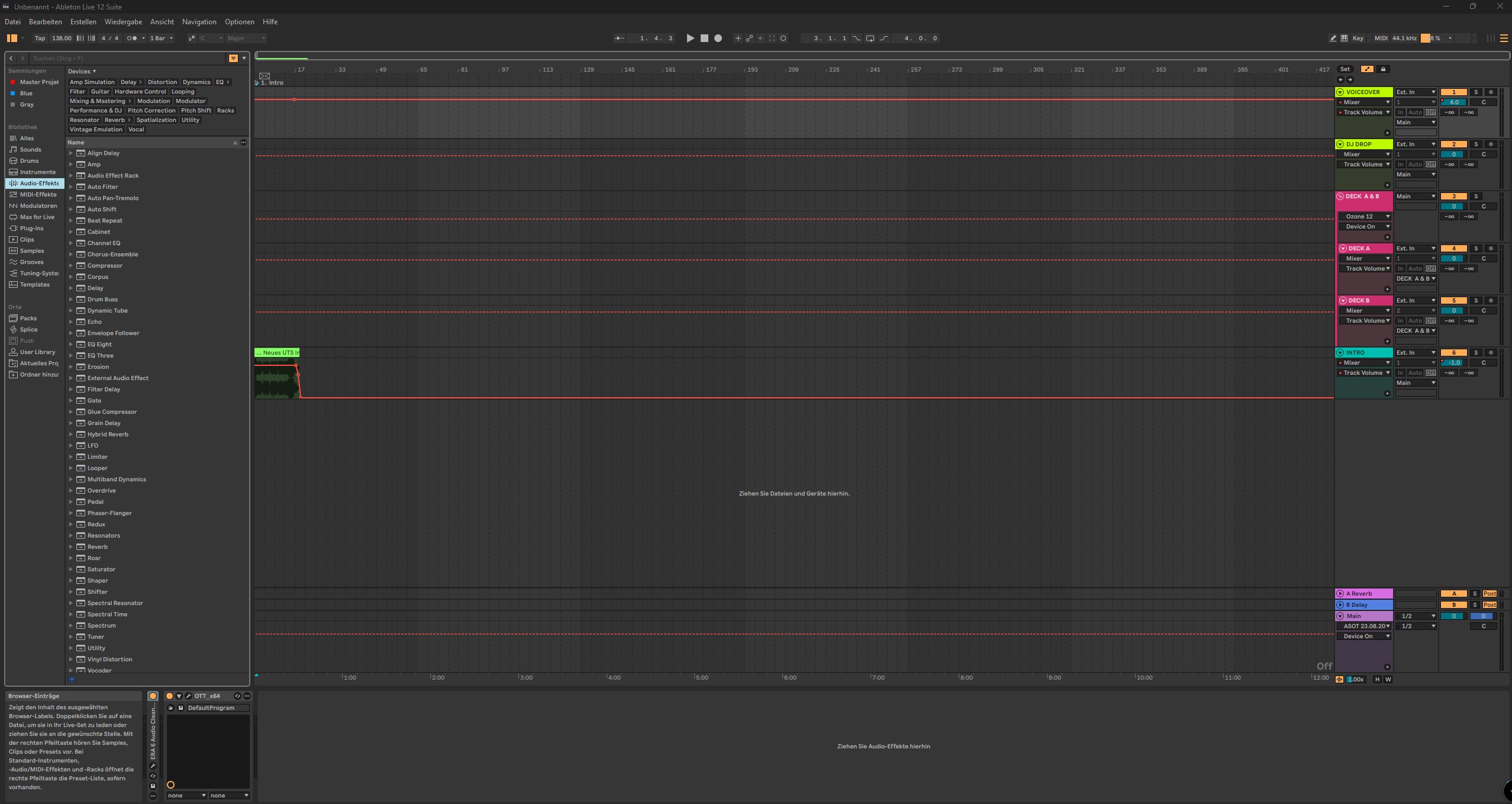
Give every track a role
Voiceover and DJ Drop. I keep my spoken introductions on the Voiceover track and place my station IDs on DJ Drop. That way I can adjust a drop without changing the level of my voice.
Deck A, Deck B and Deck A & B. I alternate the music between two audio tracks, Deck A and Deck B. Both feed the Deck A & B group track, where I can process the two decks together.
Intro and Main. The show intro has its own track. At the bottom of Arrangement View, I use tempo automation on the Main track to set where the session tempo changes.
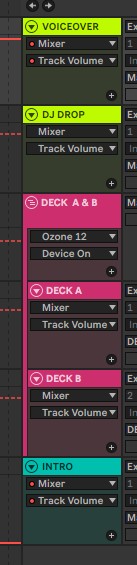
Arrange the DJ mix across two decks
I decide how the tracks I picked will flow from the intro to the closing record. Once I have the running order, I lay the tracks across Deck A and Deck B. Their overlaps show me exactly where one record hands over to the next.
The screenshot shows the finished arrangement. I can follow the whole set from left to right and return to any transition to hear it in context.
Master the trance mix and check loudness
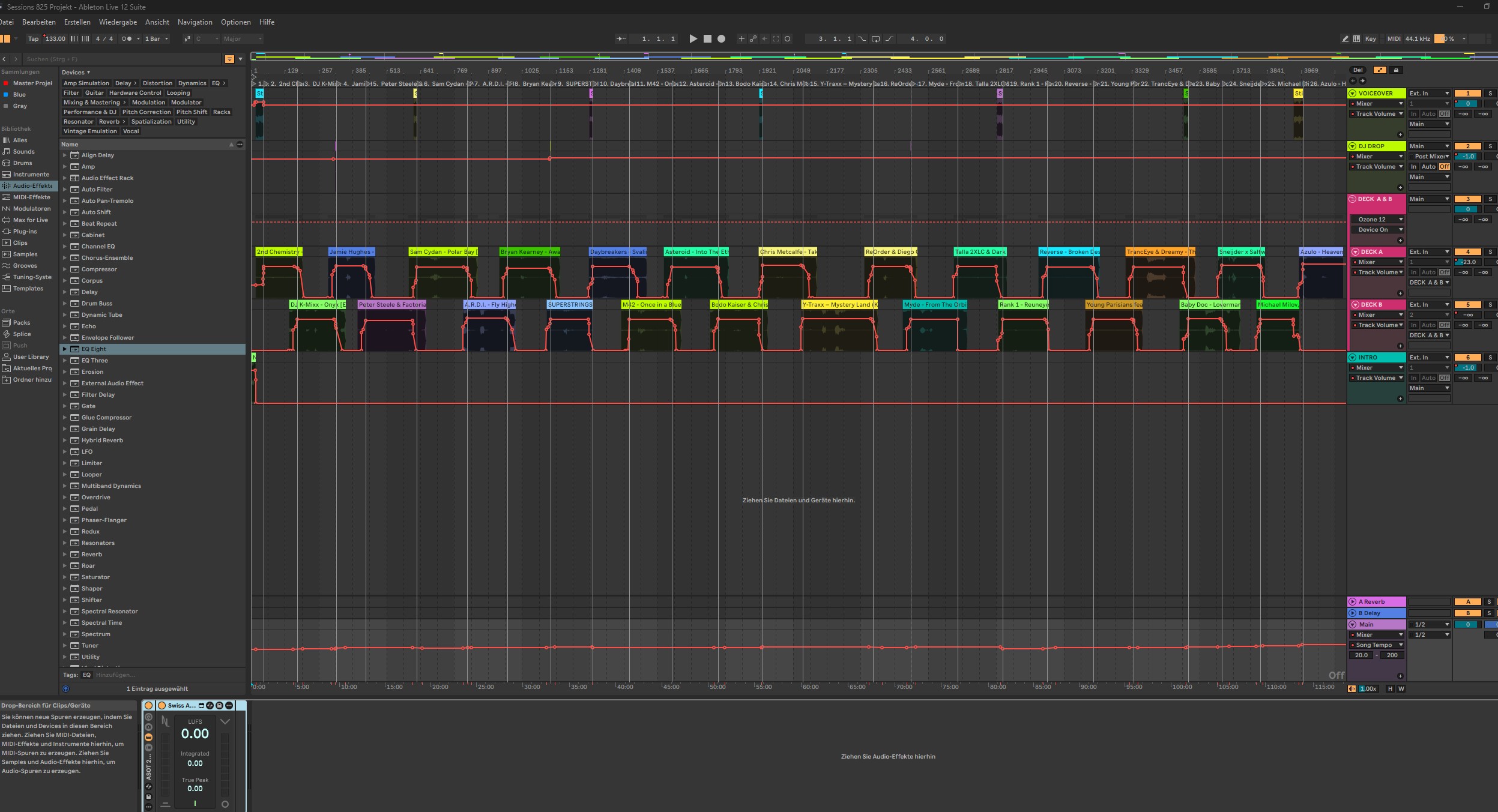
On the deck group. Deck A and Deck B meet on the Deck A & B group. This is where I keep the mastering plug-ins that give the music its Uplifting Trance Sessions sound. I keep the exact chain and settings to myself. When you build your own chain, listen to the point where two records overlap and decide what sounds right for your show.
On the master bus. I use Swiss Meter to check the loudness of the complete episode. For this show, my target is around −8 to −7 LUFS integrated. I check peaks separately and listen back to the busiest transitions for distortion. I want the kick to keep its punch even when both decks are playing.
Work the effects on each deck
I keep DJ effects on both Deck A and Deck B. That gives me control over each side of a transition. For example, I can shape the outgoing record on Deck A while the incoming track on Deck B stays clear.
I listen through the handover with both decks playing. That is where I decide how far to push an effect and when to bring it back.
